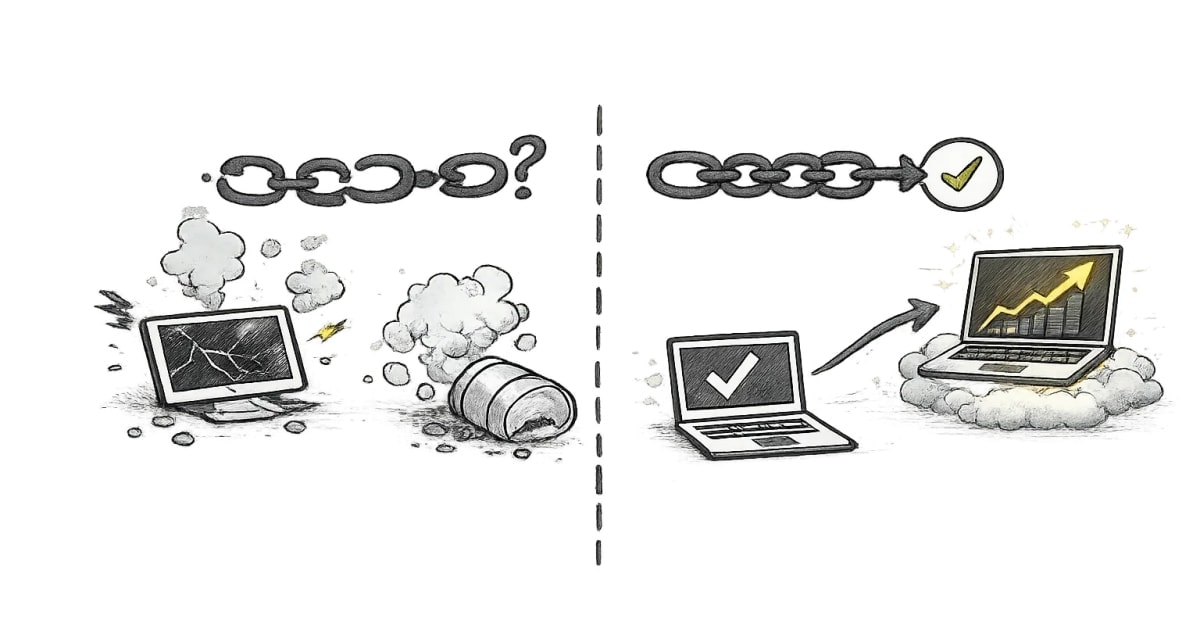

When I look at an Angular 12–15 app in 2026, I usually see the same pattern: the app is still valuable, still making money, still doing real work, but the frontend has started slowing the team down.
Not because Angular was a bad choice. Usually the opposite. The app survived. It just stayed on the road longer than the original architecture expected.
The symptoms are familiar:
- upgrades feel risky, so they get postponed
- NgModule-heavy structure makes feature boundaries harder to follow
- templates still lean on older structural directives everywhere
- tests exist, but they are slow or not trusted
- SSR is missing, partial, or too fragile to expand
- UI libraries are outdated or over-customized
- delivery is increasingly blocked by “we should fix this first”
That is the point where modernization should stop being a vague goal and become a plan.
What I would try to achieve
For an older Angular app, modernization is not about chasing every new feature. It is about improving three things:
- change safety
- delivery speed
- architectural clarity
Angular itself now gives a much better path for that than it did a few years ago. The current docs make standalone the default component model, recommend standalone for new code, provide first-party migrations, support built-in control flow, and offer a structured update path through ng update and the Update Guide.
That means an Angular 12–15 app is no longer “legacy” in the dramatic sense. It is usually just behind on framework evolution.
The audit I would run first
Before touching versions, I would audit the codebase in six categories.
1. Upgrade surface
Angular version, CLI version, Node/TypeScript/RxJS compatibility, custom builders, polyfills, deprecated APIs. Angular maintains a version compatibility reference for exactly this reason.
2. Application shape
How much of the app is still organized around NgModules, shared modules, barrel files, and inheritance-heavy base components. Angular’s docs now position standalone as the preferred direction and provide an incremental migration path for existing projects.
3. Template modernization
How much template code still depends on *ngIf, *ngFor, and *ngSwitch patterns that could be simplified with built-in control flow. Angular introduced built-in control flow for clearer syntax, improved type narrowing, and performance improvements, and deprecated NgIf, NgFor, and NgSwitch in v20.
4. Rendering and SEO
Does the app need SSR, SSG, or hybrid rendering for search, performance, or first-load UX? Angular’s current SSR guidance supports route-level rendering modes including SSR, prerendering, and client rendering, with hydration layered on top for SSR apps.
5. Testing health
Are tests fast enough to be used during development? Angular’s current testing docs now center the default setup for new projects on Vitest, while Karma is still supported and migration guidance exists.
6. UI dependency risk
Angular Material version, third-party component libraries, internal design system pieces, CSS architecture, and anything blocking framework upgrades.
That audit tells you where the real cost is. Not all old apps are old in the same way.
The roadmap I would use
I would not modernize everything at once. I would do it in phases.
Phase 1: get onto a supported Angular line
First, I would move the app forward major by major using Angular’s own update flow, not a hand-rolled rewrite plan. Angular explicitly supports major-to-major upgrades with ng update, and the official Update Guide is still the safest backbone for these jumps.
The goal here is boring on purpose: get to the current stable line cleanly.
I would postpone stylistic rewrites during this phase unless they are blocking the upgrade.
Phase 2: migrate structure, not behavior
Once the app is current, I would start reducing structural friction.
This is where standalone starts paying off. Angular’s migration docs are clear that existing applications can adopt standalone incrementally, without a breaking rewrite. There is also a first-party migration for converting CommonModule usage to minimal standalone imports, which is exactly the kind of cleanup older codebases need.
I would not convert everything in one go. I would start with:
- new features
- leaf components
- isolated routes
- shared UI pieces with clear ownership
That gives you architectural progress without turning the app into a migration project.
Phase 3: modernize templates
After that, I would tackle template readability.
Built-in control flow is one of the easiest quality improvements to justify in an older Angular app. It makes templates easier to scan and reduces some of the noise that built up around microsyntax over the years. Angular documents control flow as a first-class template feature now, and the framework has already deprecated the older structural directives for the long term.
Phase 4: decide on SSR with actual business reasons
I would not bolt on SSR just because it sounds modern.
But if the app has SEO-sensitive pages, slow first loads, public marketing routes, or content-heavy entry points, Angular’s current SSR and hybrid rendering model is much more practical than the older SSR story. Angular now supports server rendering, prerendering, and client rendering at the route level, and hydration is already built into SSR workflows created with the CLI.
For many teams, the right move is not “SSR the whole app.” It is “SSR the routes that benefit from it.”
Phase 5: fix testing before it becomes a staffing problem
Aging Angular apps often have another issue: people stop trusting the tests.
Angular’s current docs cover Vitest as the default test runner for new projects, while also noting that Karma remains supported and migration from Karma to Vitest is still experimental for existing projects and requires the application build system.
So my advice is simple: modernize testing, but do it deliberately. If the current test stack is stable and your bigger pain is architecture, I would not move testing first. If slow or flaky tests are hurting delivery every week, I would bring that work forward.
What I would postpone
I would postpone anything that creates a lot of code churn without solving a current business or delivery problem.
That usually includes:
- broad UI library replacement
- signal-era rewrites just for style
- mass standalone conversion across stable areas
- SSR expansion before route-level value is clear
Older codebases rarely fail because they lack novelty. They fail because modernization was sequenced badly.
Risk management and sequencing
The biggest modernization mistake is doing the right work in the wrong order.
My preferred sequence is:
- upgrade safely
- stabilize builds and CI
- reduce structural debt with standalone
- modernize templates
- improve rendering where it matters
- refresh testing and UI dependencies where the ROI is real
That order keeps business risk low. It also gives stakeholders visible progress without making every sprint feel like internal plumbing.
And honestly, this is exactly the kind of work where an Angular Upgrade & Modernization Diagnostic or a focused Angular Codebase Audit usually pays for itself. In older apps, the hard part is rarely knowing that modernization is needed. The hard part is deciding what to modernize first, what to leave alone, and how to do it without slowing the business down.