
Most AI coding setups fail for a boring reason: the model has just enough context to be dangerous.
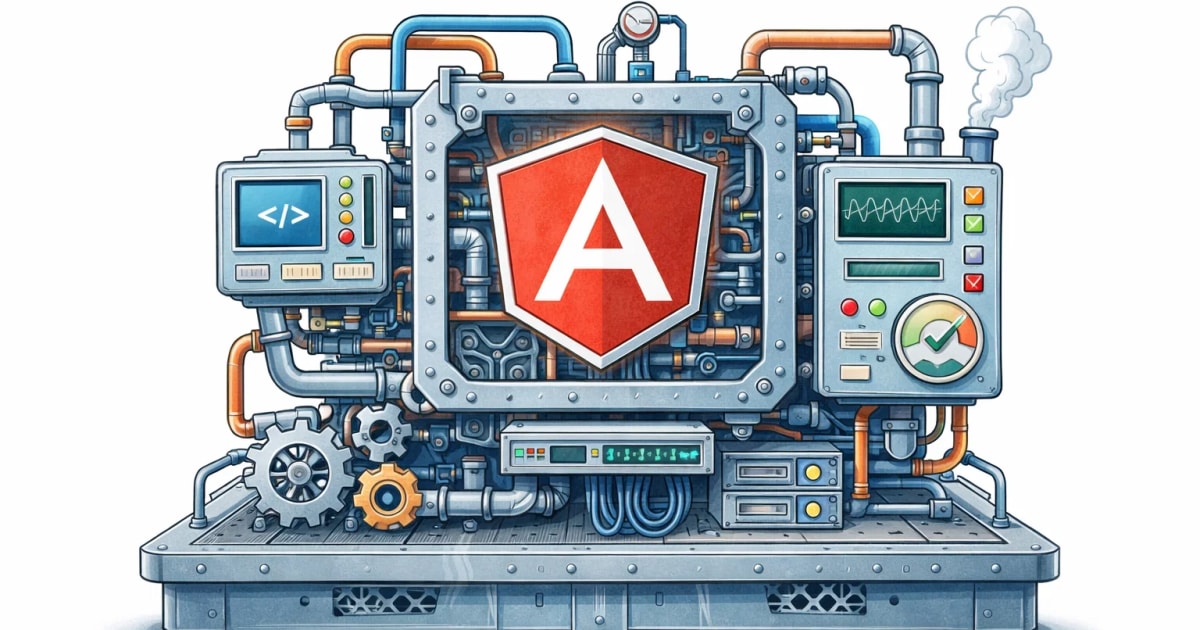
It can write Angular-looking code, but not always current Angular code. That gap matters more now that Angular has moved hard into standalone APIs, signals, built-in control flow, zoneless change detection, Vitest, and new AI-oriented tooling. The Angular team now ships an official MCP server in the Angular CLI, and as of Angular 21 it is stable, not experimental. Angular describes it as a way to give AI agents current Angular context, workspace-aware tools, best-practice guidance, and modernization help.
That is the real value of MCP here. Not “AI magic.” Better context, better tooling, fewer outdated answers.
What MCP actually helps with
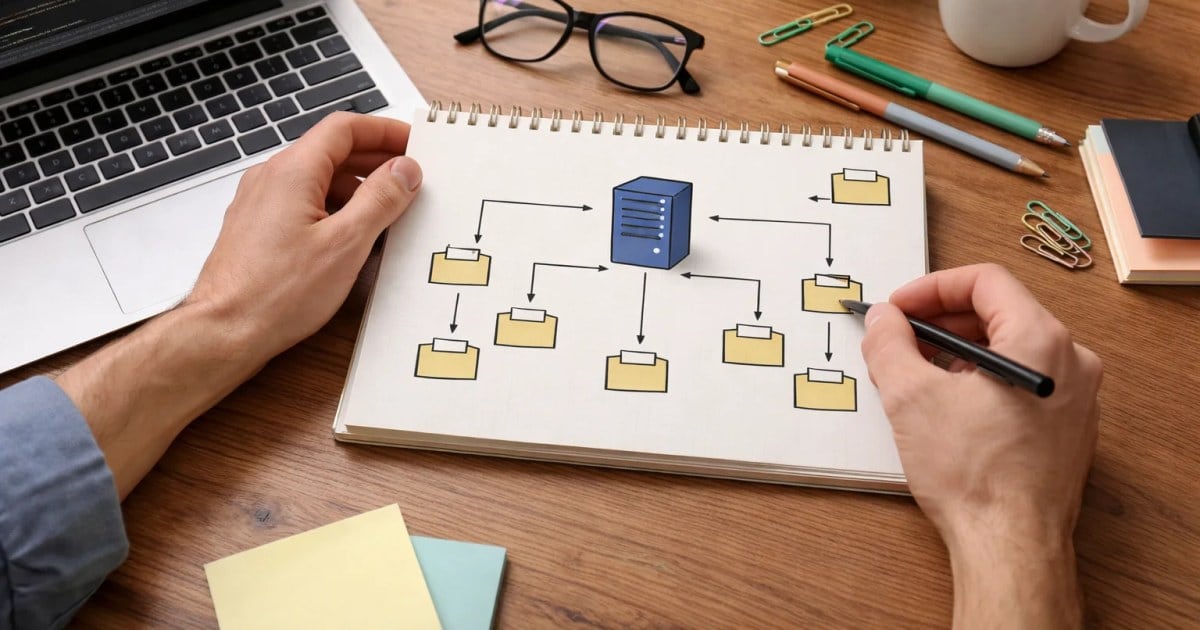
MCP, or Model Context Protocol, is an open standard for connecting AI tools to external systems such as docs, files, and runnable tools. The MCP project describes it as a standard way for AI applications to access data sources, tools, and workflows, and notes broad client support across tools like ChatGPT, Cursor, and VS Code.
In Angular specifically, the CLI MCP server gives agents access to tools such as:
- Angular best practices
- official documentation search
- curated modern Angular examples
- workspace project discovery
- modernization and migration help
- optional local tools like test, build, and dev server actions, with several of those still marked experimental in the Angular docs
That means your AI tool is no longer guessing from stale training data alone. It can ask Angular for help.
My setup philosophy
I would keep the setup simple:
Step 1: start with Angular’s official MCP server.
Angular’s docs say you can start it with ng mcp, and they provide example MCP configs for tools such as Cursor, Firebase Studio, and Gemini CLI. The basic Cursor example uses npx -y @angular/cli mcp.
Step 2: prefer read-only tools first.
Angular’s MCP docs explicitly label which tools are read-only and which are not. Tools like find_examples, search_documentation, list_projects, and get_best_practices are safe defaults. Write-capable or execution tools such as build and modernize should come later, intentionally.
Step 3: add execution tools.
I would not begin by letting the agent run builds, dev servers, migrations, or tests automatically. Start with context, then inspection, then controlled execution.
That order matters. It keeps the workflow useful without turning it into a trust exercise on day one.
Cursor, Codex, and Windsurf in practice
The nice part is that you do not need three different mental models.
- Cursor supports MCP through project or global MCP config, and Angular shows a
.cursor/mcp.jsonexample directly in the docs. - Codex supports MCP in both the CLI and IDE extension, and OpenAI documents both CLI commands and
~/.codex/config.tomlas configuration options. - Windsurf supports MCP in Cascade and lets you add servers through settings or raw MCP config, with support for stdio and HTTP-style transports. Windsurf’s admin docs also call out governance controls and the need to review MCP security implications.
So the practical baseline is the same in all three: connect Angular CLI MCP locally, expose only the tools you actually need, and keep risky capabilities gated.
The prompt patterns that work best
The biggest improvement usually comes from how you ask.
I would use prompts like these:
- “Use Angular MCP to find the current best-practice example for this pattern before changing code.”
- “Search the official Angular docs and examples first, then propose the smallest modern Angular fix.”
- “Inspect the workspace and tell me which Angular projects, routes, and test setup are relevant before editing anything.”
- “Use best-practice and example tools only. Do not modify files yet.”
Why this works: Angular’s MCP server includes tools specifically for best practices, docs search, and examples, and Angular’s AI tooling docs also recommend IDE rule files and Angular-focused instruction files to steer models toward modern patterns. Angular additionally publishes llms.txt and llms-full.txt to help LLM tools generate better Angular code.
In other words, the best prompt is often the one that slows the model down just enough to look things up first.
Realistic workflows I would use
The best workflows are not flashy. They are repeatable.
1. Upgrade planning
Ask the agent to inspect the workspace, search Angular docs, and propose a migration sequence. Angular’s MCP server includes modernization-oriented tools, including a zoneless/OnPush migration planner and an experimental modernize tool.
2. Feature implementation with current patterns
Have the agent fetch current Angular examples first, then scaffold code aligned with standalone APIs, modern template syntax, and the project’s existing structure. Angular’s find_examples tool is designed for modern, recently updated examples.
3. Test-aware refactors
Let the agent inspect the project and run tests only after it has explained the intended change. Angular MCP includes a test tool, though Angular still marks several execution tools separately from the purely read-only ones.
What I would never delegate blindly
There are a few areas where I would always keep a human checkpoint:
- architecture boundaries
- auth and security logic
- migrations across many files
- performance-sensitive rendering decisions
- SSR and hydration behavior
- anything that rewrites tests without explaining why
Angular’s own AI docs point to the open-source Web Codegen Scorer as a way to evaluate AI-generated web code quality more systematically, which is a good sign that even Angular treats AI output as something to assess, not trust by default.
That matches real engineering life. AI is good at acceleration. It is not a substitute for judgment.
Team operating rules I would set
If I were rolling this out across a team, I would keep the rules very plain:
- Default to read-only MCP tools first.
- Require docs/examples lookup before code generation for non-trivial Angular work.
- Do not allow blind auto-modernization on shared branches.
- Any AI-generated Angular change still gets normal review for architecture, typing, reactivity, tests, and performance.
- Use local Angular MCP as the source of truth for current Angular patterns, not the model’s memory.
That is the setup I like because it is modern without being gimmicky.
The real win is not that Cursor, Codex, or Windsurf can now “do Angular.” The real win is that they can work with current Angular context, inside your real workspace, with safer guardrails than a paste-and-pray workflow.
That is where AI coding starts becoming useful for serious Angular teams.