
The good news about migrating to standalone in Angular is that it no longer feels experimental. Angular officially supports migrating existing projects incrementally, without a breaking rewrite, and the CLI ships a dedicated standalone migration for exactly that.
The annoying part is what comes next.
A real standalone migration rarely fails because the idea is wrong. It fails because the app had years of small assumptions baked into NgModules, shared modules, routing setup, and template imports. Once you remove that layer, those assumptions finally become visible.
That is why this article matters. Not as a “why standalone” piece, but as the follow-up nobody writes enough: what actually breaks, why it breaks, and how to fix it without turning the migration into a rewrite.
Quick recap: what the migration is really doing
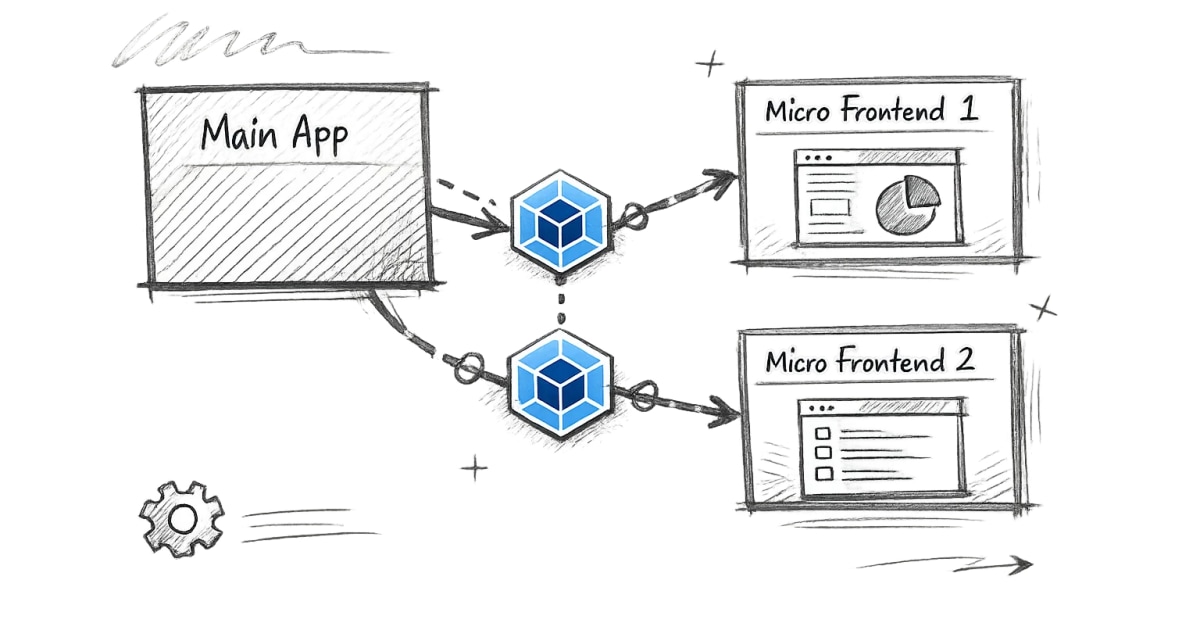
At a high level, the standalone migration moves declarations out of NgModules and makes components, directives, and pipes directly import what they need. Angular’s migration guide is explicit that this can be done incrementally, and Angular 21 also improved the standalone migration by adding CommonModule support, which tells you this was a common pain point in real projects.
That shift is good for clarity. It is also exactly why certain breakages appear.
1. NgIf, NgFor, AsyncPipe, or ngClass suddenly stop working
This is one of the most common migration problems.
In older apps, those directives and pipes often arrived “for free” because a module imported or re-exported CommonModule. In standalone components, that implicit availability disappears unless the component imports what the template actually uses. Angular’s docs now provide a dedicated migration just for converting CommonModule usage into minimal standalone imports like NgIf, NgFor, and AsyncPipe.
Root cause: the template depended on a module-level import that is no longer present.
Fix: import the exact directives and pipes the component uses, or run Angular’s common-to-standalone migration.
Better prevention: after the main standalone migration, run the CommonModule conversion migration before doing too much manual cleanup.
2. “imports is only valid on a standalone component” or the opposite problem
This one usually appears in mixed codebases.
Angular’s current component docs say components are standalone by default now, but components created in earlier versions may still explicitly use standalone: false. Before Angular 19, the default was false; after v19, existing NgModule-based declarations are typically marked standalone: false so they keep working.
Root cause: the codebase is half-migrated, and a component is being treated as standalone even though Angular still considers it NgModule-based, or vice versa.
Fix: be explicit. If a declaration still belongs to a module, keep standalone: false. If it is standalone, import it directly where used.
Better prevention: do not mix assumptions. During migration, treat standalone and non-standalone code as two valid but different models.
3. Shared modules disappear, and suddenly nobody knows where things come from
Older Angular apps often rely on SharedModule patterns that re-export everything: CommonModule, forms modules, common UI pieces, pipes, directives. That pattern worked, but it also hid dependencies. Angular’s style guidance and current standalone direction push in the opposite direction: clearer imports, smaller surfaces, and more direct dependency visibility.
Root cause: the app depended on broad re-export modules instead of explicit imports.
Fix: replace generic shared-module usage with one of these:
- direct imports into standalone components
- real shared libraries for reusable components, not giant “everything” modules
Better prevention: do not recreate SharedModule under a different name. That just preserves the old problem.
4. Router setup gets messy after switching to standalone bootstrapping
A lot of teams move to standalone components, then leave routing half-modernized. The result is awkward hybrid configuration.
Standalone Angular works best when routing is also configured in the standalone style, typically with provideRouter(...) rather than older NgModule-centric routing setup. Angular’s standalone migration documentation covers incremental adoption, not just component conversion, because application structure matters too.
Root cause: only the declarations were migrated, but the app shell and providers were not cleaned up consistently.
Fix: modernize routing and application bootstrap deliberately, not accidentally.
Better prevention: migrate in phases: declarations first, then modules cleanup, then routing/bootstrap cleanup.
5. Forms stop working the way people expect
This usually shows up as ngModel, reactive forms directives, or form-related pipes/directives suddenly missing.
The reason is the same as with CommonModule: forms directives used to arrive through imported modules higher up the tree. In a standalone component, you must import the forms pieces the template actually needs.
Root cause: template-level dependency on FormsModule or ReactiveFormsModule was hidden by NgModule structure.
Fix: import FormsModule or ReactiveFormsModule directly into the standalone component or route-level feature shell that uses them.
Better prevention: audit forms-heavy screens early. They are usually the quickest place to expose hidden module assumptions.
6. Tests start failing after the migration
This is common and usually healthy.
Once a component becomes standalone, the test setup often needs to import the component itself, plus any direct dependencies it now requires, instead of relying on a test module that mirrored the old app module structure. Angular’s newer testing direction is already moving toward clearer, more direct setup patterns, which fits standalone much better.
Root cause: the old tests relied on NgModule-era setup shortcuts.
Fix: update tests to import the standalone component directly and include only what it really uses.
Better prevention: migrate tests near the component migration, not weeks later when failures are harder to trace.
7. Build or tooling issues show up in older workspaces
Sometimes the standalone migration itself is not the hard part. The hard part is that the app is already old in several ways at once: older builder, custom tooling, older test setup, strange workspace conventions.
Angular has separate migration guidance for the newer build system, and Angular v19 also highlighted the move toward the application builder using esbuild and Vite. If the workspace is significantly behind, standalone migration can surface those older problems instead of causing them.
Root cause: the app is not only behind on component structure; it is behind on tooling.
Fix: do not treat standalone migration as a single isolated task. Sometimes the right move is a broader modernization sequence.
8. Teams migrate components, but architecture stays old
This is the quiet failure mode.
The app “uses standalone,” but the code still behaves like a module-era app:
- giant shared layers
- unclear feature boundaries
- broad imports
- implicit ownership
- no meaningful cleanup of old structure
Angular’s standalone direction was never only about fewer files. It was about simpler authoring and clearer dependency boundaries.
Root cause: migration focused on syntax, not structure.
Fix: use the migration as an opportunity to tighten feature boundaries and remove fake sharing.
Validation checklist after migration
Before calling the work done, I would check:
- do all standalone components import what their templates use?
- are any old shared modules still hiding too much?
- are forms and common directives working without module magic?
- do tests import standalone components directly where appropriate?
- is routing consistent with the chosen application structure?
- did the migration improve clarity, or only remove NgModules?
A good standalone migration should leave the app easier to reason about, not just “more modern.” If it does not, the migration is only half finished.